

| Antivirus | Status |
|---|---|
| Kaspersky | Clean |
| McAfee | Clean |
| FSecure | Clean |
| ZonerMobileSecurity | No result |
Needs further review: this scanner has not returned a result for this version of the app. | |
| Symantec | Clean |
| DrWeb | Clean |
| Eset | Clean |
| Comodo | Clean |
| GooglePlayProtect | No result |
Needs further review: this scanner has not returned a result for this version of the app. | |
| ClamAv | Clean |
App screenshots


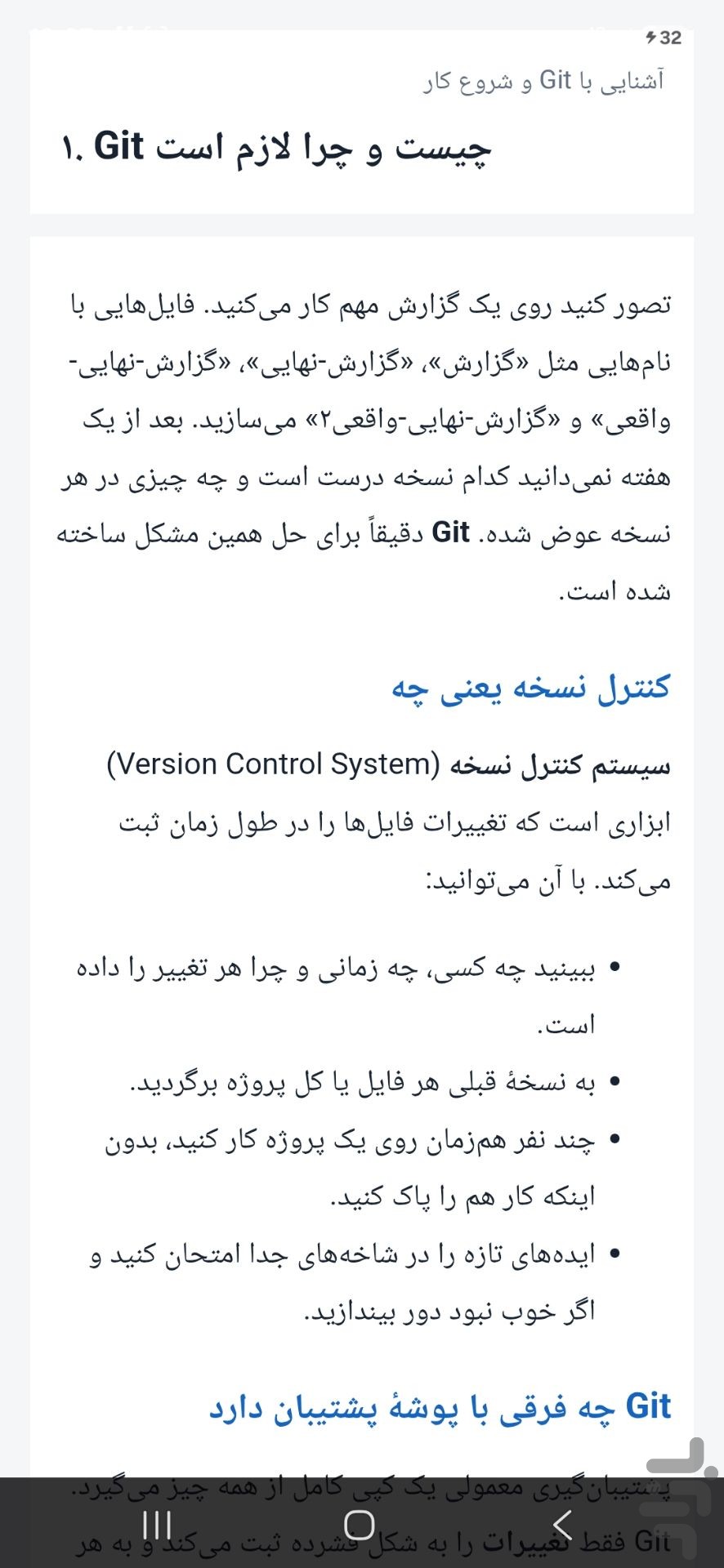


Git is the version control tool used by almost every software team to record changes, go back to earlier versions and collaborate on the same project. This app teaches Git and GitHub from zero to advanced in 100 short, step-by-step lessons.
Each lesson includes a simple explanation, examples with commands and real output, exercises and a short quiz.
📚 Topics
• Version control basics, installing and configuring Git
• Creating repositories, commits and viewing history
• Undoing changes (restore, reset and revert)
• Branches, merging and resolving conflicts
• Remotes, push, pull and fork
• Getting started with GitHub and Pull Requests
• Rebase, stash, cherry-pick and tags
• Finding bugs with bisect and blame
• GitHub Actions and hooks
• Signed commits, rewriting history, LFS and a final project
✅ Features
• 100 lessons in 10 chapters
• Practical examples with real command output
• Exercises and a short quiz in every lesson
• Quick search across lessons
• Lessons 1–20 are free
• Clean, readable design made for learning on a phone
💳 Free and full version
Lessons 1–20 are free. Unlock the rest with a single one-time payment: no subscription and no monthly fees.
✅ Who is it for?
• Beginners who want to learn Git properly
• Anyone who needs Git and GitHub for teamwork or a job
• Students and software development enthusiasts
⚠️ Note
• This is an educational app and is not affiliated with Git, GitHub or any other company.
• To run the commands yourself, you need to install Git on your computer.
Your feedback helps us improve. Send us a message from the “Contact us” section.
Keywords: Git, learn Git, GitHub, version control, programming, coding course, developer tools


