- Applications
- Tools
Table Maker - Easy Table Notes
| Install | 10 K |
| From 10 Rates | 2.9 |
| Category | Tools |
| Size | 9 MB |
| Last Update | 2026 September 22 |
| Install | 10 K |
| From 10 Rates | 2.9 |
| Category | Tools |
| Size | 9 MB |
| Last Update | 2026 September 22 |
Images


Introduction
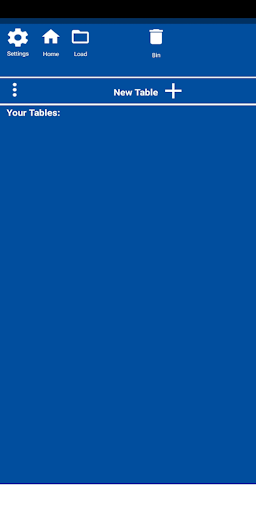
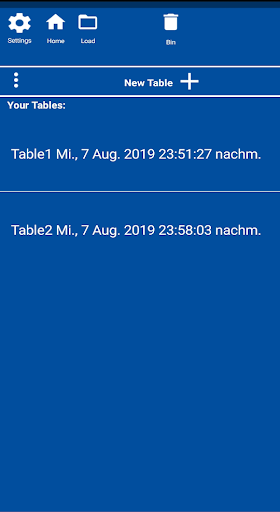
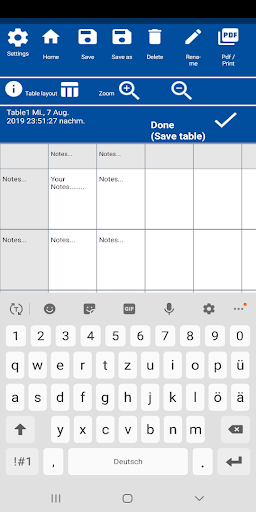
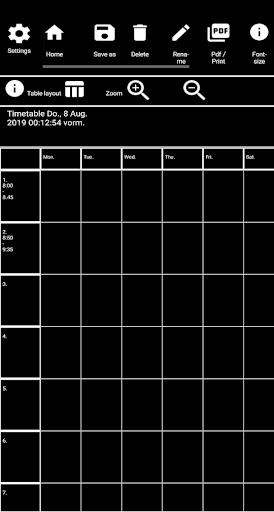
Need a simple table app without the complexity of a traditional spreadsheet? With Easy Table Notes, you can make a table in seconds: tap a cell, type and you’re done.
Easy Table Notes is an easy table maker for notes, school timetables, schedules, checklists, tasks, budgets and everyday lists. Create and organize tables without needing advanced spreadsheet skills or unnecessary features.
CREATE SIMPLE TABLES
• Create tables of any size
• Add rows and columns whenever you need them
• Set a custom width for each column
• Automatically wrap text inside cells
• Let rows expand so nothing gets cut off
• Use read mode to see every value in full
• Format text with bold, italic and underline
• Customize text colors and cell backgrounds
• Search across all tables and inside individual cells
TEMPLATES FOR EVERYDAY USE
Start with an empty table or choose a ready-made template:
• School timetable and class schedule
• Work schedule and shift planner
• Weekly and daily planner
• Task tracker and checklist
• Budget and expense table
• Shopping list and meal plan
• Habit and goal tracker
• Monthly planner
Whether you need table notes, a school timetable, a work schedule or a simple checklist, Easy Table Notes gives you a clear and flexible way to organize information.
HOME SCREEN WIDGET
Choose one table to display directly on your home screen. The widget stays up to date, so you can quickly check your timetable, schedule, tasks or other important information.
SHARE, IMPORT AND EXPORT
• Save, print or share tables as PDF files
• Import PDFs created by the app back into editable tables
• Import and export Word documents (.docx) with formatting
• Import and export Excel files (.xlsx)
• Import and export CSV files
• Back up and restore all your tables
FOR SCHOOL, WORK AND DAILY LIFE
Use your tables to organize:
• School timetables, classes and study plans
• Work schedules, shifts and timesheets
• Tasks, projects and checklists
• Budgets, expenses and personal records
• Shopping and packing lists
• Weekly plans and meal plans
• Habits, goals and progress
• Everyday information and notes
WORKS OFFLINE
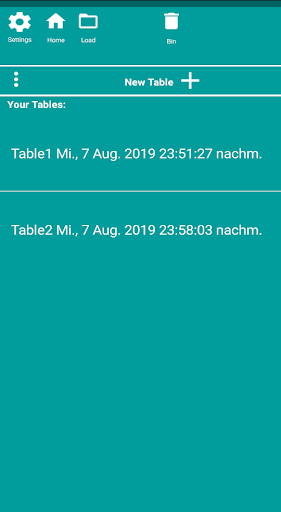
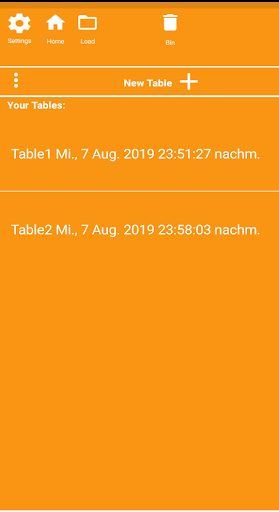
Use Easy Table Notes even when you don’t have an internet connection. Light and dark themes provide comfortable viewing at any time.
Available in 72 languages. The app is free to use with ads. Remove Ads is available as a subscription.
Tap a cell, type and your table is ready.

Related Applications







Users Also Installed






Similar Applications