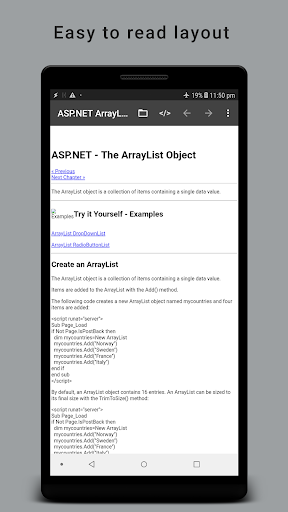
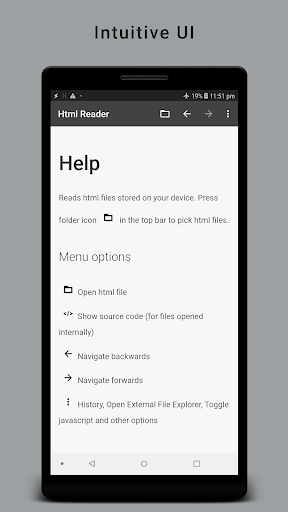
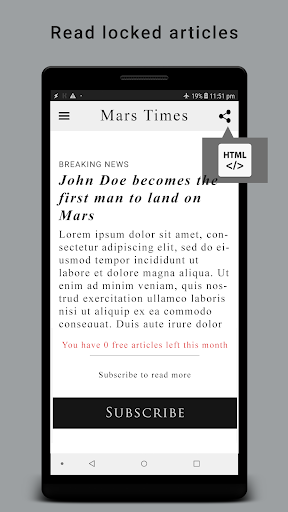
Read and inspect HTML files, saved web archives, and web source files offline on your device.
Key Features:
• Folder Browser with Relative Links Support: Add your project or website folder in the Folders tab so relative links (<a href="...">), local stylesheets (CSS), scripts (JS), and images load seamlessly across subfolders.
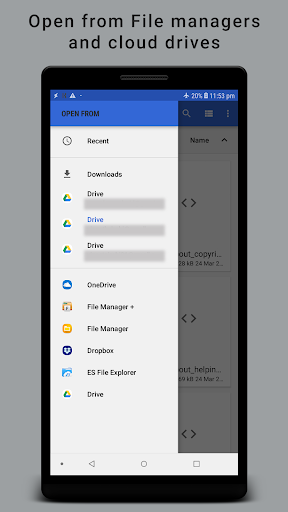
• Quick Standalone File Opener: Tap the Open File icon on the top bar anytime to quickly view a single file from your device storage.
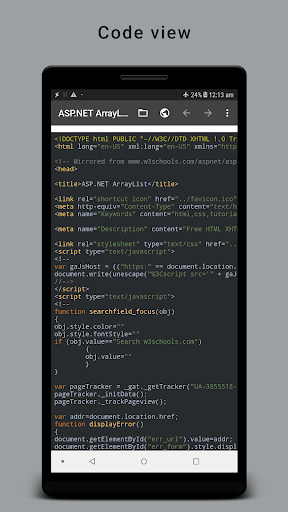
• Built-in </> HTML Code Inspector: Tap the floating </> button to inspect syntax-highlighted source code with line numbers and in-code search in split-screen or full-screen mode.
• Wide Format Support: View .html, .htm, .mht / .mhtml web archives, .svg, .xhtml, .xml, .css, .js, .json, and .txt files.
• Effortless Navigation: Unified Back & Forward history, in-page text search, Bookmarks, and Browsing History.
• Modern Material 3 Design: Clean Light, Dark, and System default themes.
• Privacy First: Uses Android's secure Storage Access Framework with no unnecessary permissions.
• Redesigned Material 3 interface with Light, Dark, and System default themes
• Folder browser with full support for relative links, CSS, JS, and images across subfolders
• Split-screen and full-screen HTML Code Inspector with syntax highlighting and search
• Added support for SVG, XHTML, XML, MHT/MHTML, CSS, JS, JSON, and TXT files
• Added localization for 15 languages