


Image Convert And Resize compresses, resizes, crops and converts your photos right on your phone. Pick a job, pick a photo, and save the result to your gallery.
COMPRESS TO KB
• Fit a photo under 20, 50, 100 or 200 KB for online forms, email and uploads
• See the estimated file size before you save, and compare the photo before and after
• Quality is lowered first; the picture is made smaller only when that is not enough
RESIZE
• Set the width and height in pixels, cm, mm or inches, or scale to 25, 50 or 75%
• Keep the proportions or set both sides yourself, and choose the DPI
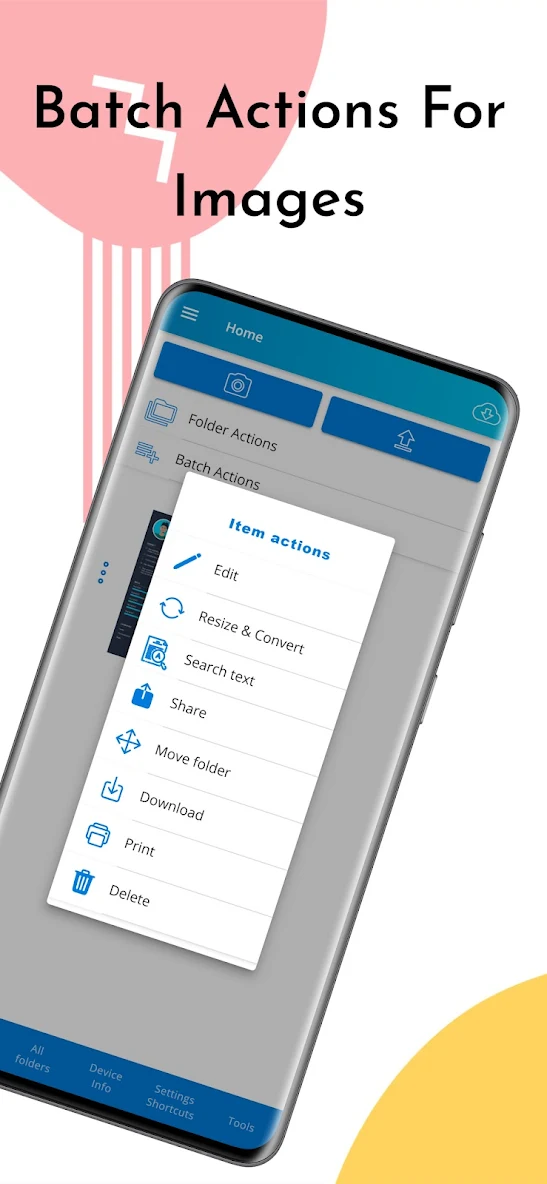
• Batch: resize and convert up to 10 photos in one run
CONVERT
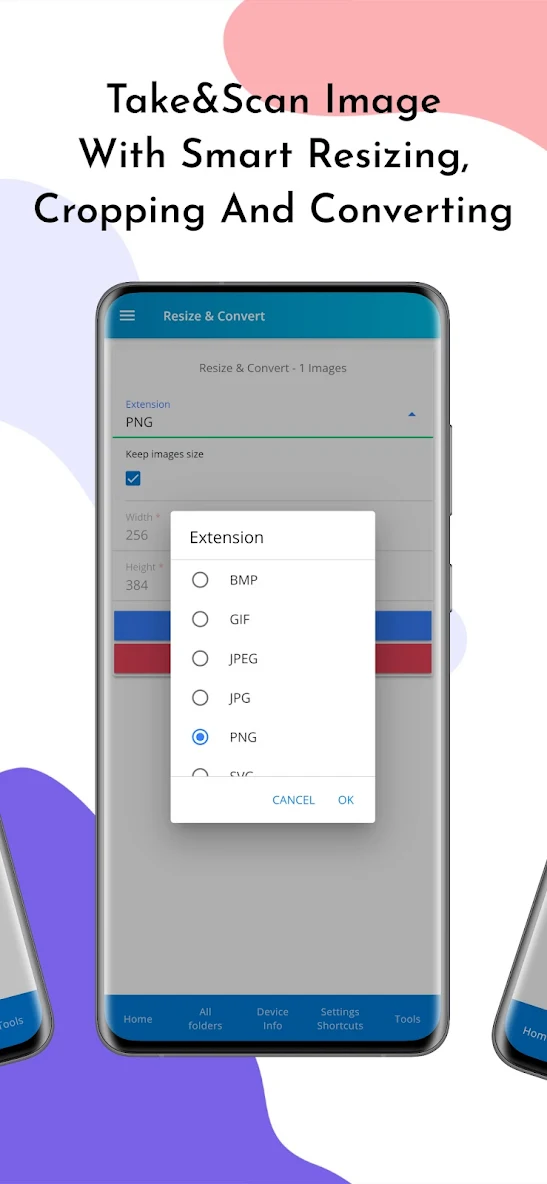
• Save as JPG, PNG, WEBP, GIF, BMP, PDF or SVG (the SVG holds the picture as an embedded image)
• Opens HEIC photos on Android 9 or newer
READY-MADE SIZES
• Passport and visa photos: US, Schengen, UK, India, China, Canada and Australia
• Exam and government form photos and signatures
• Instagram, WhatsApp, YouTube, LinkedIn and X sizes, email attachments and website images
• Each size follows the published requirement. Check the latest rules with the office that asks for the photo
CROP AND ROTATE
• Free, original, 1:1, 4:5, 3:4, 16:9, 9:16, 35x45 mm and 2x2 in
• Rotate, flip and zoom
PDF
• Turn your pictures into one PDF, one page per picture, with page size, orientation and margins
• Up to 10 pictures per PDF in the free version
HISTORY
• Every picture you save in one list: share it again, save it again, or repeat the same settings on new photos
FREE AND PRO
The app is free and shows ads. The optional Pro upgrade removes ads and adds: more than 10 pictures in one run, any exact size in KB, removing location and camera data (EXIF), image to text (OCR), PDF to pictures, PDF passwords, your own presets, all results as one ZIP, and a backup of your history.
Questions or a problem? Write to support@yalintech.com and we will help.
Privacy Policy: https://yalintech.com/legal/scanner/privacy
Terms of Service: https://yalintech.com/legal/scanner/terms
What's new in 2.1.0:
• A new app with four tabs: Home, Presets, PDF and History
• Compress a photo to 20, 50, 100 or 200 KB, with a size estimate and a before and after preview
• Ready-made sizes for passport, visa, exam forms and social media
• Crop with ratios, rotate and flip
• Images to PDF, and every saved picture in History
• Resize in px, cm, mm or inches, with DPI


