
| Antivirus | Status |
|---|---|
| FSecure | No result |
Needs further review: this scanner has not returned a result for this version of the app. | |
| ClamAv | Clean |
| Comodo | Clean |
| McAfee | Clean |
| GooglePlayProtect | Clean |
| Kaspersky | Clean |
| ZonerMobileSecurity | Clean |
| DrWeb | Clean |
| Symantec | Clean |
| Eset | Clean |
App screenshots


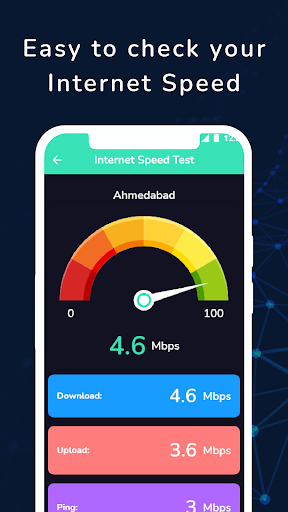


With this app you can enable only 5G/4G/Lte mode on your mobile.
✔ By this Tremendous App to Modify Advanced Network Configuration 5G/4G LTE/3G Network Mode in your Mobile Phones by Opening Hidden Settings.
✔ This App will make you to allow changes in your mobile network 5G/4G LTE/3G. which are not display in mobile Settings.
✔ It's Good to Select Any Particular Network Signal like 5G/4G LTE/3G.
✔ 5G Network Support only 5G Mobile Hardware.
✔ This App will help you to Switch into 5G/4G LTE Network, WCDMA Network, GSM Network, CDMA Network in just Singal Tap.
✔ Advanced Network information like Network Connectivity info, Network Capability info & Link Properties info, Phone Info.
⭐ How to Use
👉 open 4G LTE Force app.
👉 click on SIM LTE|3g|2G Settings button to switch 4g mode.
👉 Find the Option check "Set preferred network type".
👉 Click on LTE ONLY.
⭐ Disclaimer:
⛔️ This 5G/4G LTE Force app won't work on all device as some device restrict the force switching mode.
Android 16 Supported.
Bugs Solved


