- Applications
- Tools
Phone Switch: Phone Clone

| Install | 3.4 K |
| From 3 Rates | 4.7 |
| Category | Tools |
| Size | 10 MB |
| Last Update | 2026 August 31 |

| Install | 3.4 K |
| From 3 Rates | 4.7 |
| Category | Tools |
| Size | 10 MB |
| Last Update | 2026 August 31 |
Images


Introduction
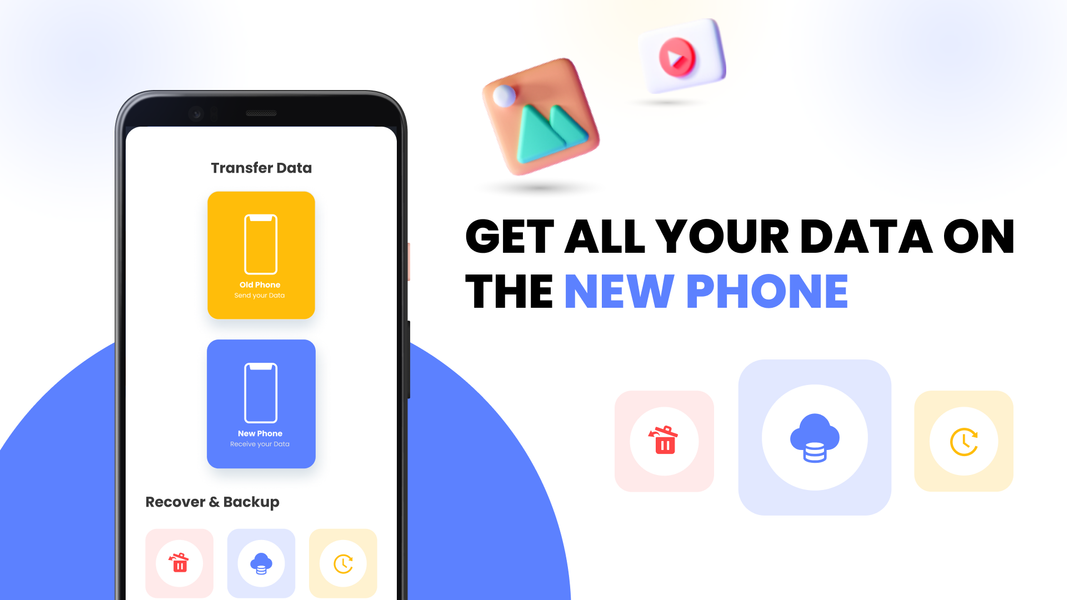
Switching phones? The moment you move to a new Android, one question hits — how do I copy my data? You need a transfer tool that actually works. Phone Switch: Phone Clone is the smart mobile switch designed to transfer all data from your old phone to your new phone — wirelessly, privately, and without a single cable.
Phone Switch: Phone Clone is a true mobile transfer and data transfer tool. Whether you want to clone phone content, do a quick easy transfer of your photos and music, or fully clone my phone to a new device — it's all here, and it all works offline.
📁 TRANSFER ALL DATA — WHAT MOVES WITH YOU
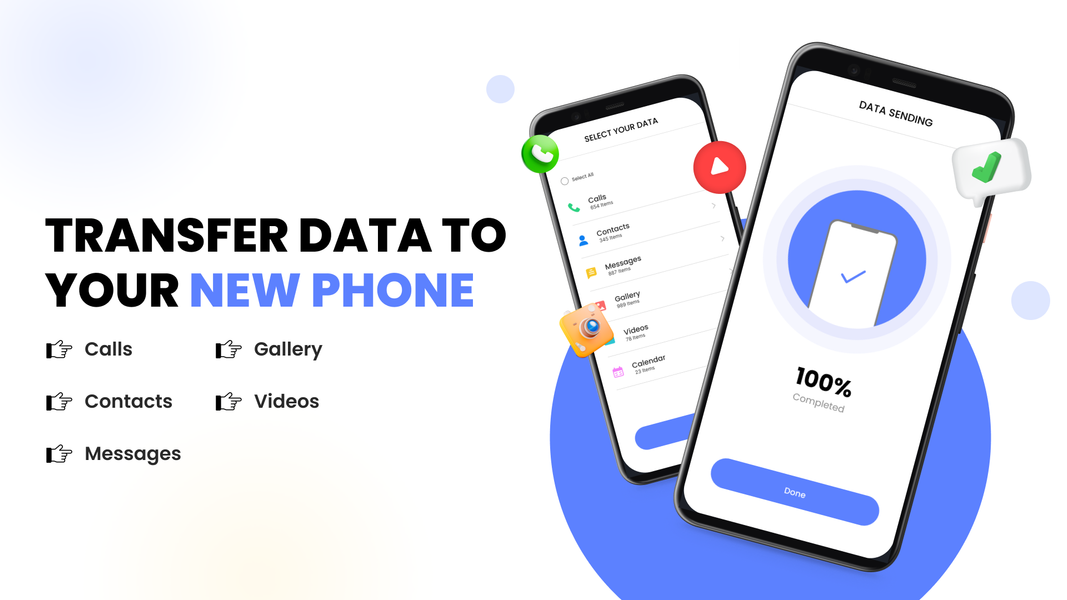
This smart mobile switch gives you a complete mobile transfer of everything that matters:
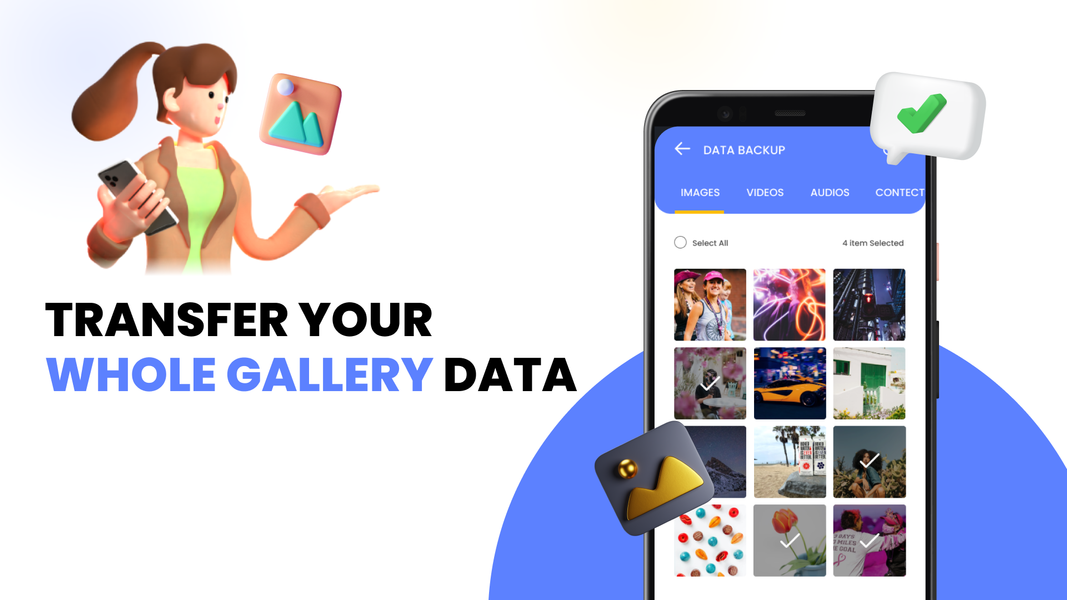
📷 Photos — Transfer all data in your camera roll. Every image arrives intact.
🎬 Videos — Full mobile transfer of your video library, clips, and recordings.
🎵 Music & Audio —transfer of all music and voice recordings.
📂 Files & Documents — Data transfer of PDFs, documents, and spreadsheets.
👤 Contacts — Clone phone contacts to your new device. Every name and number.
📱 Apps — Clone my phone apps across so you never start from scratch.
📶 OFFLINE TRANSFER — 100% PRIVATE, NO INTERNET NEEDED
The feature of this transfer tool? It works completely offline. Offline transfer means your content never touches a cloud server. Every photo, every file, every contact moves device to device — over Wi-Fi or a mobile hotspot. No internet. No limits.
This offline transfer approach makes clone my phone the safest data transfer method available. Your files go from your old phone straight to your new one — and nowhere else.
✅ Offline transfer — no internet connection required
✅ Works on shared Wi-Fi or mobile hotspot
✅ Easy transfer with zero cloud storage limits
✅ Your content stays between your two phones only
⚡ HOW THIS EASY TRANSFER WORKS
Step 1 — Install this transfer tool on both phones.
Step 2 — One phone taps Send, the other taps Receive. Scan the QR code to pair them. No manual setup.
Step 3 — Copy my data. Select what you want to move and the mobile transfer begins. Watch your data transfer arrive on the new phone in real time.
That is all it takes to clone phone content between two Android devices. Simple. Wireless. Done.
📡 TWO WAYS TO DO YOUR DATA TRANSFER
Wi-Fi: Both phones on the same network? This transfer tool connects them automatically for a smooth, wireless mobile transfer.
Hotspot: No Wi-Fi nearby? One phone creates a hotspot and you get the same reliable offline transfer experience — anywhere you are.
Both options give you a full data transfer with no internet needed and no files going to the cloud.
Over a million users have used this smart mobile switch to transfer all data when getting a new phone. From photos to contacts, from videos to files — Phone Switch: Phone Clone makes every data transfer wireless, private, and simple.
Ready to copy my data and clone my phone to your new Android? Start your easy transfer now with the mobile transfer tool Phone Switch: Phone Clone built for phone switching.


Related Applications




Users Also Installed






Similar Applications