- Applications
- Education
Projector HD Simulator: Cast
Images

Introduction
Screen Mirroring, TV Cast, Cast to TV, Miracast, Screencast, Screen Cast, Wireless Display, Mirror Cast, Screen Projector, Turn Phone into TV, Screenshare
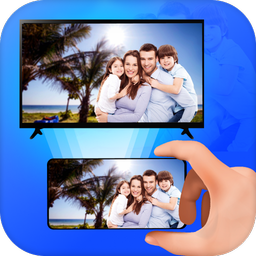
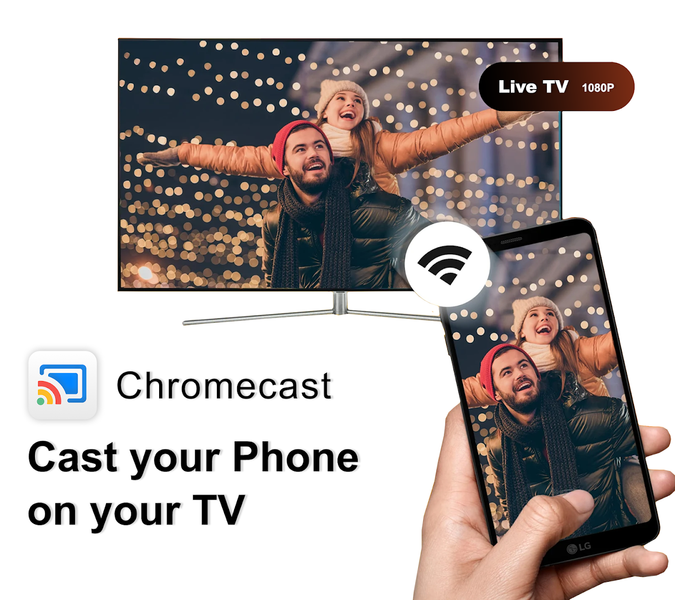
Projector: Screen TV Cast & Mirroring lets you wirelessly mirror, cast, and stream your phone's screen to any TV using a simple Wi-Fi connection. Just tap and connect, and your content appears instantly on the big screen in sharp, vibrant quality.
Whether you're preparing for a big meeting, teaching a class remotely, catching up on your favorite shows, or enjoying movie night with family, this versatile screen mirroring app puts everything you need. Built on reliable Miracast, Wireless Display, and DLNA technology, stable performance so your presentations, videos, and photos.
💼 Made for Work
Need to present slides at a meeting? Share lesson plans in class? Demo your screen during a call? This app helps you do it all with ease. Simply connect your phone to TV to the same Wi-Fi network and start mirroring in seconds — no technical knowledge required.
🎬 Built for Entertainment
Stream your favorite movies, shows, and videos from your phone to the big screen. Enjoy family time, weekend movie nights, or mobile gaming on larger display. Save your eyes from squinting at a small phone screen and enjoy content on TV.
📲 Feature Highlights
Screen mirroring & screencast to TVs, Chromecast, Roku, Fire TV, Apple TV, Xbox, and Android TV
Wireless display support via Miracast — no extra app installation required on your TV
Cast photos, videos, and music directly from your phone's gallery or local library
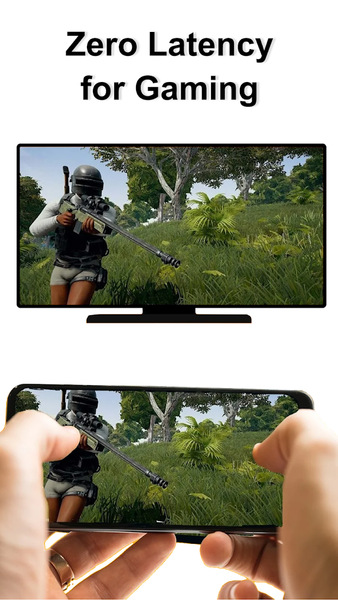
Mirror mobile games and apps in real time with minimal lag
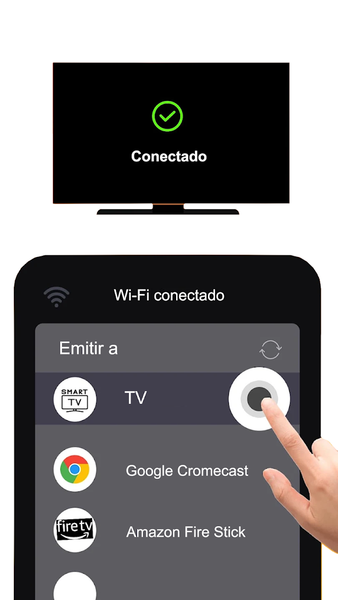
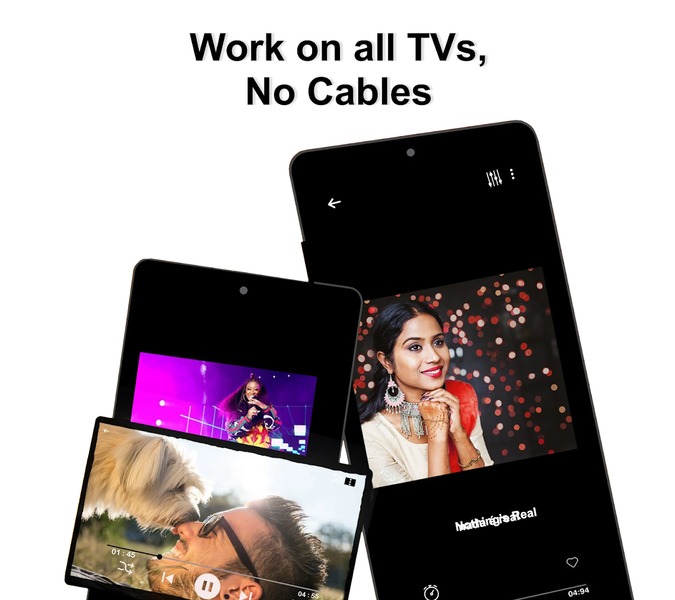
Fast, one-tap connection — no cables, adapters, or complicated pairing needed
Lightweight, intuitive interface designed for quick, everyday use
Broad compatibility with major TV brands including Samsung, LG, Sony, Xiaomi, TCL, Hisense, and Panasonic
Stream live sports, YouTube, IPTV, and web videos directly to your TV
Stable, low-lag performance even during extended streaming sessions
Works reliably across a wide range of Android devices and home network setups
Simple, clutter-free controls that make casting accessible to all age groups
🔍 How to Start Mirroring
1. Connect your phone and TV to the same Wi-Fi network
2. Open the app and enable Wireless Display or Miracast on your phone
3. Enable Miracast or screen mirroring on your TV
4. Search for and select your TV from the list of available devices
5. Tap "Start Mirroring" to begin casting instantly
6. Tap "Stop Casting" anytime to end your session
It's simple enough for beginners yet powerful enough to support daily productivity and entertainment needs alike, all without needing extra hardware or technical setup.
Disclaimer:
This app is not associated with or endorsed by any official "Projector" brand, product, or hardware manufacturer. The term "Projector" is used solely to describe the app's core function — wireless screen mirroring and casting from your phone to a TV or compatible display. It does not function as a physical projector, and any similarity in name is purely descriptive. This is a standalone mobile application designed to enhance productivity and entertainment through screen sharing technology.
📥 Download now and unlock the full power of your phone with fast, stable, and free screen mirroring and TV casting. Work smarter, teach better, and relax more with a reliable screen mirroring.
For feedback or support, feel free to contact us anytime at feedback@quantum4u.in
Privacy Policy: quantum4u.in/web/simulator/privacy-policy
Terms & Conditions: quantum4u.in/web/simulator/tandc
EULA: quantum4u.in/web/simulator/eula
Related Applications







Users Also Installed







Similar Applications