- Applications
- Personalization
Retro Clock Widget
| Install | <100 |
| From 0 Rates | 0 |
| Category | Personalization |
| Size | 272 KB |
| Last Update | 2026 August 2 |
| Install | <100 |
| From 0 Rates | 0 |
| Category | Personalization |
| Size | 272 KB |
| Last Update | 2026 August 2 |
Images
Introduction
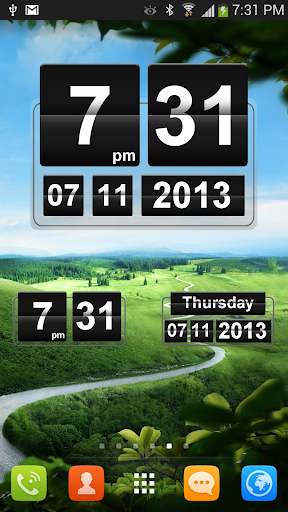
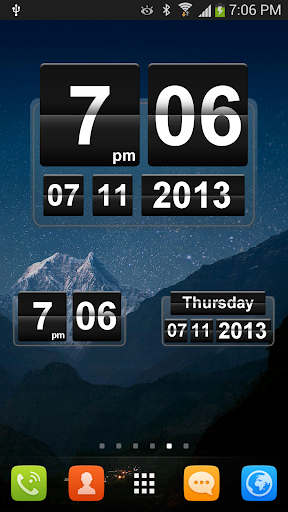
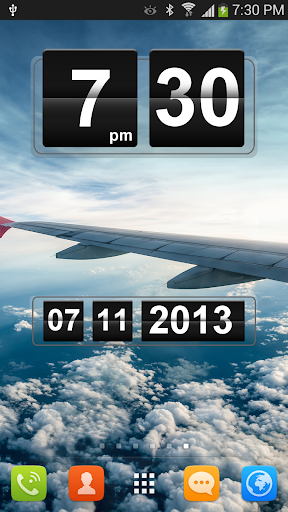
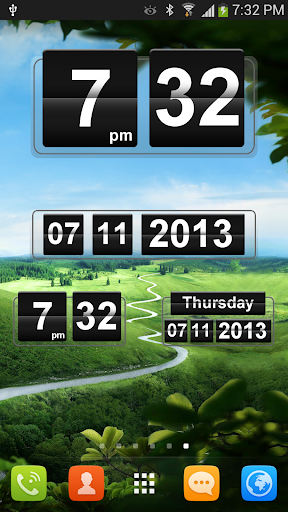
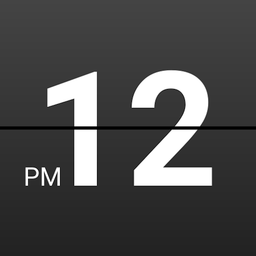
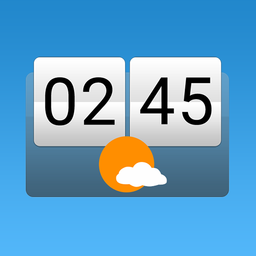
Add a classic retro flip clock and date widget to your Android home screen. Choose from 5 lightweight digital clock widgets in multiple sizes, with quick shortcuts to your alarm clock and calendar.
Retro Clock Widget brings the timeless split-flap clock style to your home screen. Its clean black-and-white design works well with almost any wallpaper and keeps the time and date easy to read.
CLOCK AND CALENDAR SHORTCUTS
• Tap a clock widget to open your default alarm clock app
• Tap a date widget to open your default calendar app
FEATURES
• 5 classic flip clock and date widgets
• Multiple sizes for different home screen layouts
• Quick access to your alarm clock and calendar
• Clean retro split-flap design
• Lightweight and simple
• No ads
• No internet permission
• No analytics or tracking SDKs
• Completely free since 2013
PRIVACY-FRIENDLY
Retro Clock Widget works entirely on your device. It does not require internet access and does not collect, track, or send personal information.
HOW TO ADD A WIDGET
Press and hold an empty area on your home screen, open the Widgets menu, find Retro Clock Widget, and choose the size and style you prefer.
Retro Clock Widget has been free, ad-free, and privacy-friendly since 2013. If you enjoy the app, please consider leaving a rating. Your support helps this independent app continue to grow.
For feedback or support:
support@mobilerise.com
Related Applications





Users Also Installed






Similar Applications