- Applications
- Tools
Game Remote Play Controller
| Install | 4.8 K |
| From 7 Rates | 1.9 |
| Category | Tools |
| Size | 42 MB |
| Last Update | 2026 September 19 |
| Install | 4.8 K |
| From 7 Rates | 1.9 |
| Category | Tools |
| Size | 42 MB |
| Last Update | 2026 September 19 |
Images


Introduction
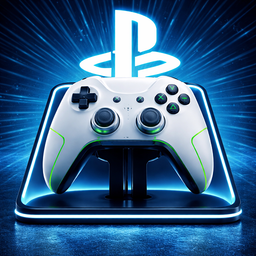
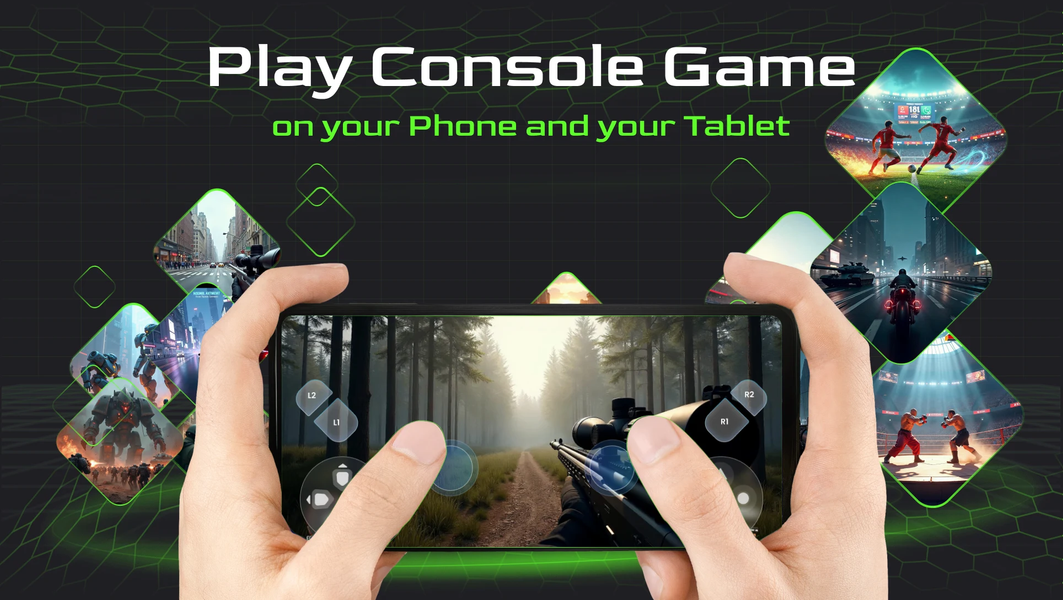
Game Remote Play Controller is a versatile application that brings console gaming to your phone and tablet. Play console games on your mobile device, enjoy built-in retro games, cast games, videos, images, and music to the big screen, stream gameplay, and use your phone/tablet as a virtual game controller. Enjoy your console games right on your phone wherever you want to play, with more flexible entertainment, free from space limitations and controller battery worries 🎮
Enjoy console gaming right from your phone or tablet. Play your favorite console games on your mobile screen anywhere without needing the TV. You can also discover and play a selection of built-in retro games directly on your mobile device, cast your favorite media from your phone to your TV, stream game content from your compatible console, and remotely control your games with ease 🕹️
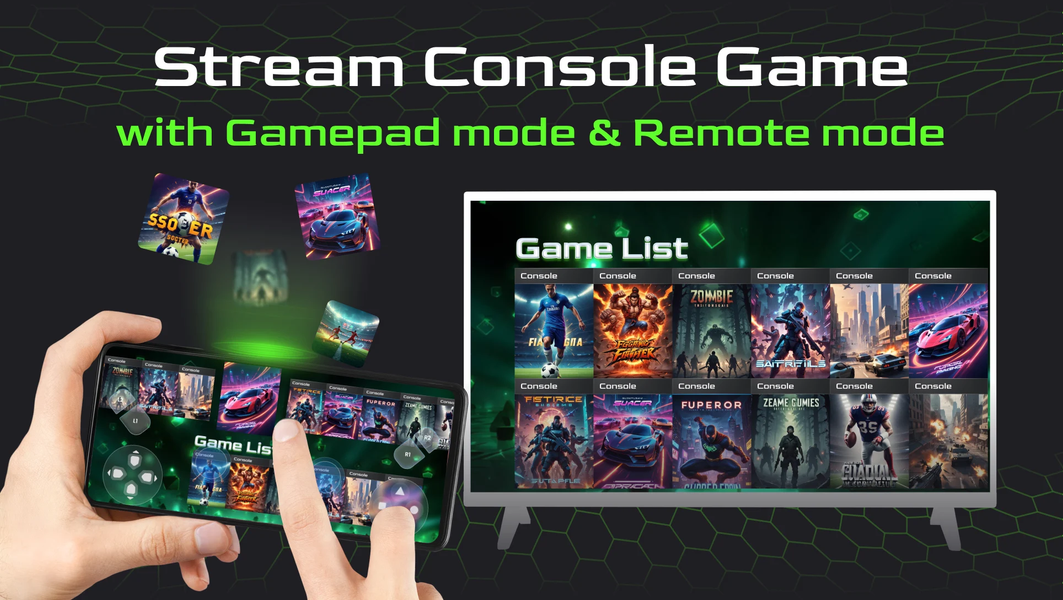
Game Remote Play Controller brings multiple entertainment features together in one app. Cast games, videos, images, and music from your phone/tablet to your TV, stream game content from your compatible console directly to your phone, remotely control your compatible game console, and use your mobile device as a virtual gamepad ⭐
Main features:
• Play Console Games on Mobile: Enjoy your favorite console games right on your phone or tablet.
• Play Retro Games: Discover and play a selection of built-in retro games directly on your mobile device.
• Built-in Game Library: Explore a large collection of games and start playing directly on your mobile device.
• Media Casting: Cast games, videos, images, and music from your phone/tablet to your TV.
• Gameplay Streaming: Stream games directly from your compatible console to your mobile device with low latency.
• Remote Console Control: Operate your compatible game console using your mobile device.
• Virtual Gamepad: Use your phone/tablet's screen as a customizable game controller.
• Broad Compatibility: Designed to work with popular game consoles that support remote access and control features or receiving media streams over the local network.
How to Use:
• Launch the app and choose how you want to play or connect.
• To play console games on your phone, select your compatible console and follow the on-screen instructions to connect.
• For Retro Games, simply choose a game from the available collection and start playing directly on your mobile device.
• For Media Cast Mode, ensure your phone and receiving device are connected to the same Wi-Fi network, then select the media files you want to display.
• For Game Streaming Mode, select your compatible console and log in to your console user account when prompted by the console's system to access gameplay.
• Use the Virtual Gamepad when you want to control your compatible console directly from your phone or tablet.
• Enjoy entertainment freedom with Game Remote Play Controller — from playing console games on your phone and discovering retro games to casting your favorite media, streaming gameplay, and using your phone as a virtual gamepad!
Disclaimer:
Game Remote Play Controller is an independent application and is not affiliated with, sponsored by, or specifically approved by Microsoft Corporation, Sony Interactive Entertainment, or any other console manufacturer. All trademarks are the property of their respective owners. Media casting and remote gaming functionality depends on the console's support capabilities. This app utilizes features provided by the game consoles themselves or standard network protocols.
For more information, please check our Terms of Use: https://about.methodsstudio.com/terms/
To understand how we handle your privacy, please read our Privacy Policy: https://about.methodsstudio.com/privacy/
If you have any feedback or suggestions, please contact us at contact@methodsstudio.com.


Related Applications





Users Also Installed