- Applications
- Tools
Reverse Singing
| Install | <100 |
| From 1 Rates | 5 |
| Category | Tools |
| Size | 41 MB |
| Last Update | 2026 September 7 |
| Install | <100 |
| From 1 Rates | 5 |
| Category | Tools |
| Size | 41 MB |
| Last Update | 2026 September 7 |
Images
Introduction
Reverse Singing turns a quick recording into a hilarious reverse-audio challenge.
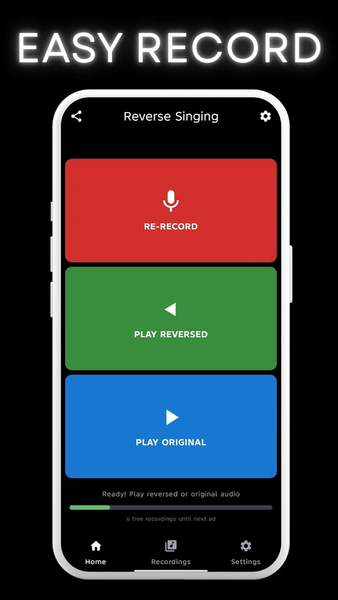
Record a short song, melody, or voice clip, hear it played backwards, then challenge a friend to guess or imitate what the original sounded like.
Why people download Reverse Singing:
- Record a singing or voice clip in seconds
- Instantly play the reversed version of your audio
- Replay the original or reversed take whenever you want
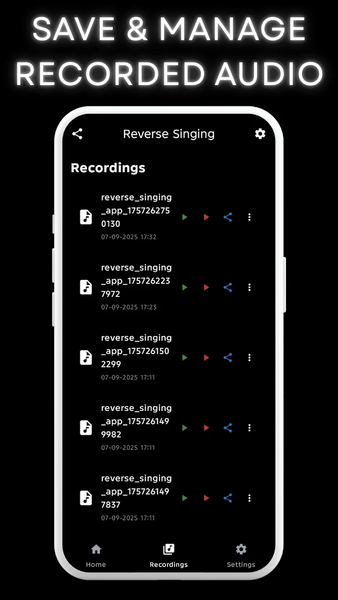
- Save favorite clips in a built-in recordings library
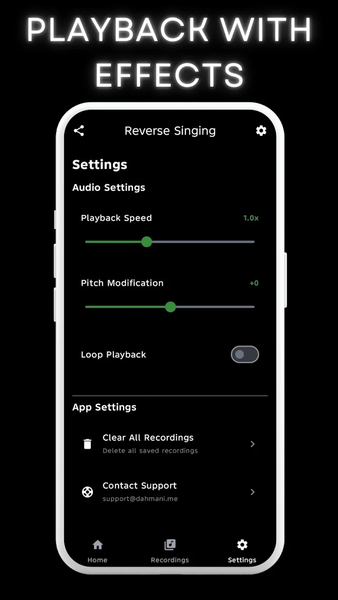
- Change speed, pitch, and loop settings for different playback styles
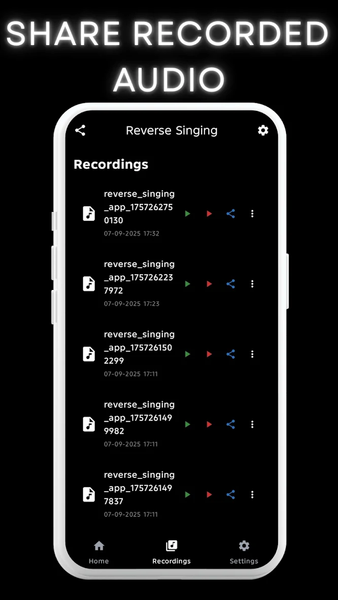
- Share the original audio, the reversed audio, or an export with your current settings
- Use it for party games, music practice, and funny social challenges
How it works:
1. Tap Record Song to capture a short clip.
2. Let the app process it into a reversed version.
3. Play the reversed or original audio.
4. Save the best takes and share them from the app.
Premium:
Reverse Singing includes an optional premium upgrade for an ad-free experience and smoother unlimited play sessions.
Whether you want a music icebreaker, a reverse-singing party game, or a playful reverse-audio recorder, Reverse Singing makes every clip more fun to hear and share.
Related Applications








Users Also Installed








Similar Applications