- Applications
- Tools
Byasaa: Parental Control Child Lock


Images

Introduction
Byasaa: Parental Control, App Blocking, and Screen, Time Management
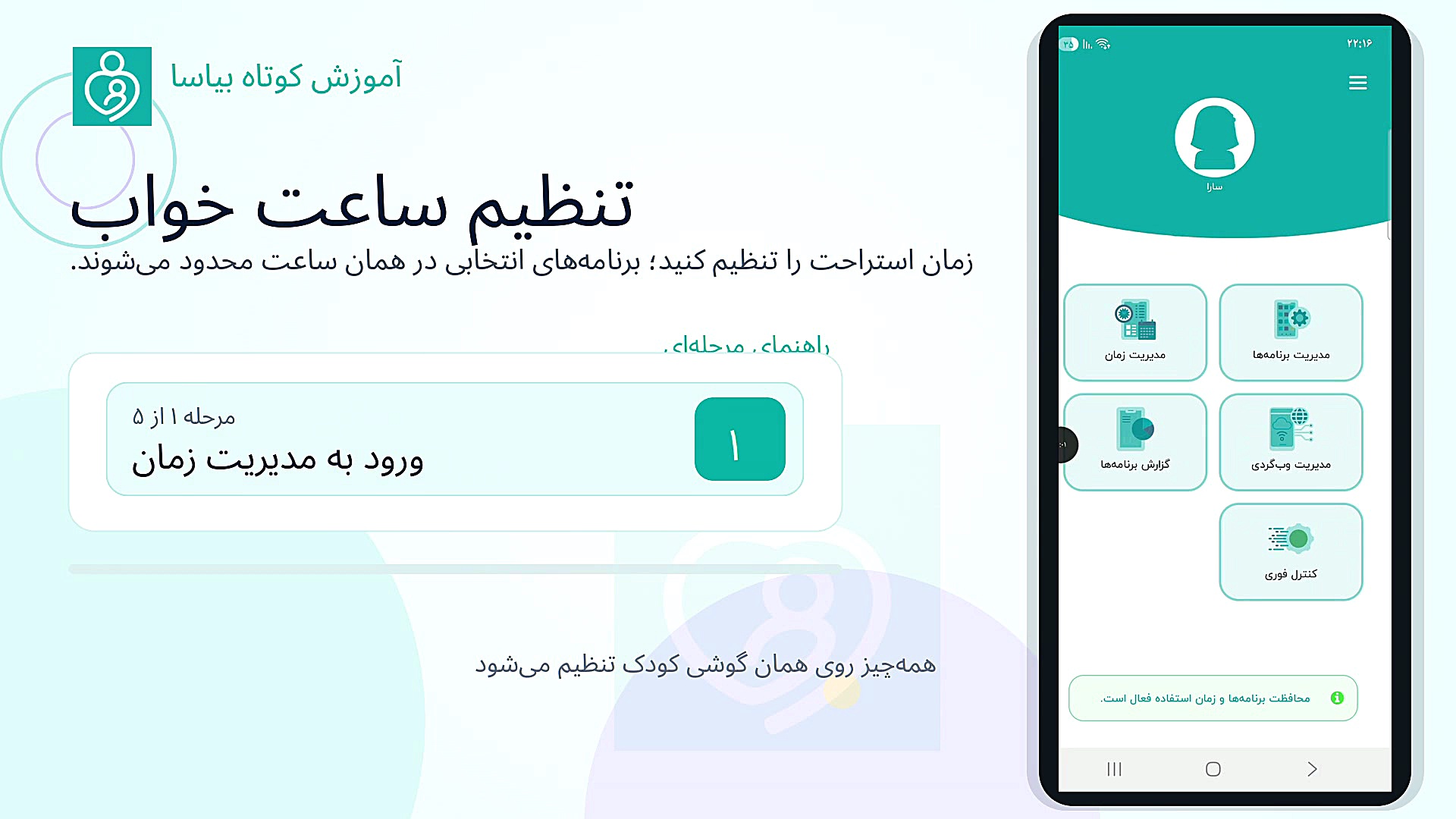
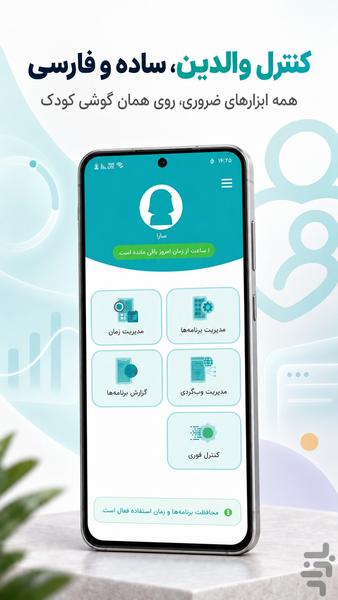
Byasaa is a parental-control app installed directly on your child’s Android phone. It helps parents block apps and games, set daily limits and bedtime rules, review app usage, and manage screen time.
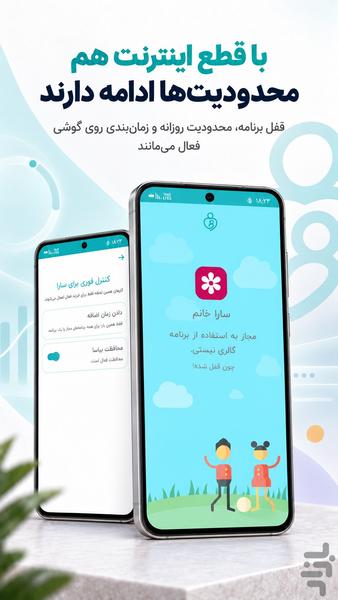
Core protections, including app blocking, daily limits, and schedules—run locally and continue working during internet outages .
Key features
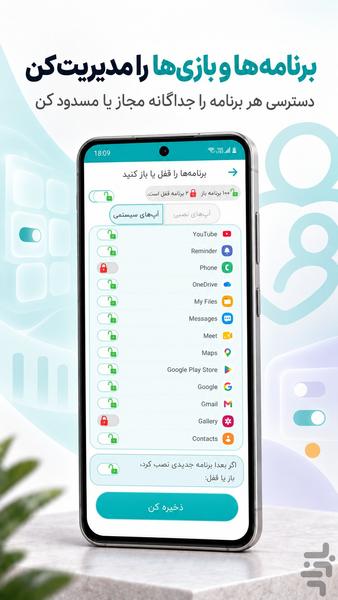
🔒 Block apps and games
Allow or block access to selected games, social-media apps, Gallery, and other installed apps.
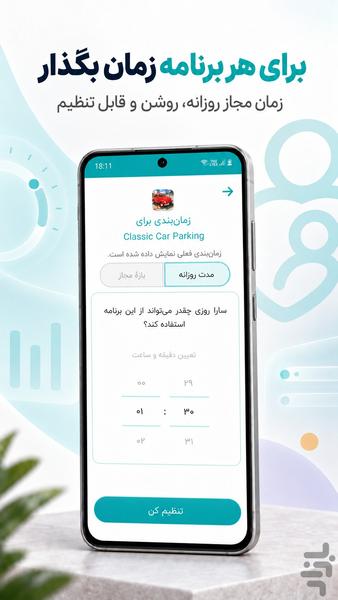
⏰ Set daily app limits
Choose how long each app may be used each day. Access is restricted when the allowed time expires.
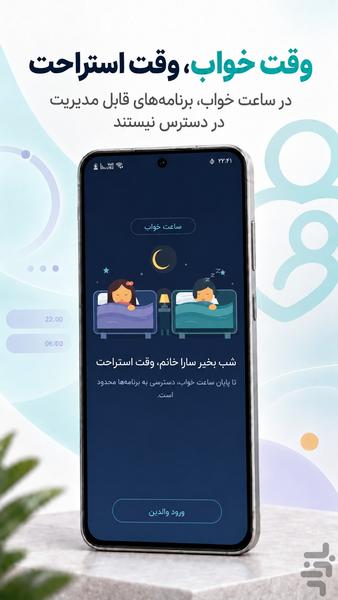
🌙 Set a bedtime
Define sleeping hours during which manageable apps remain unavailable.
📅 Schedule app access
Select permitted days and hours and apply the same schedule to multiple selected apps.
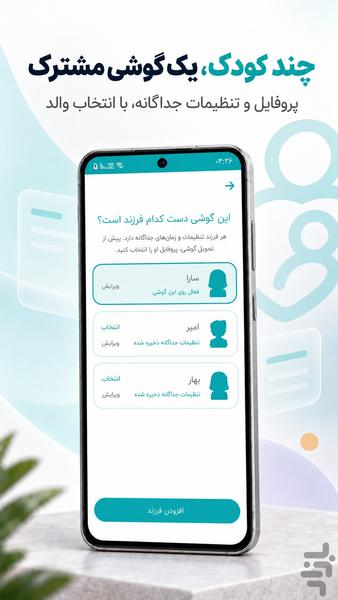
👨👩👧👦 Manage multiple children with Family Plus
Create separate profiles and settings for children sharing one phone. Only the parent accesses profile management and selects the active child.
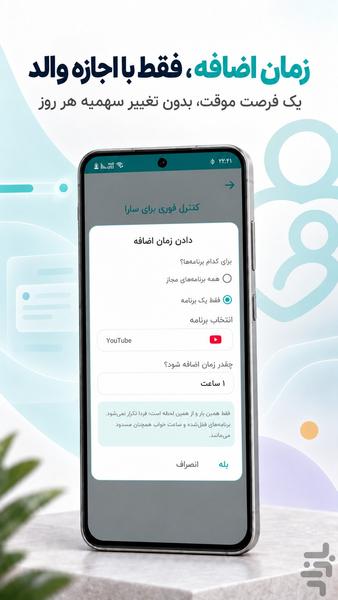
⏳ Daily allowance and Extra Time
Set a daily allowance for each child and grant temporary Extra Time when needed.
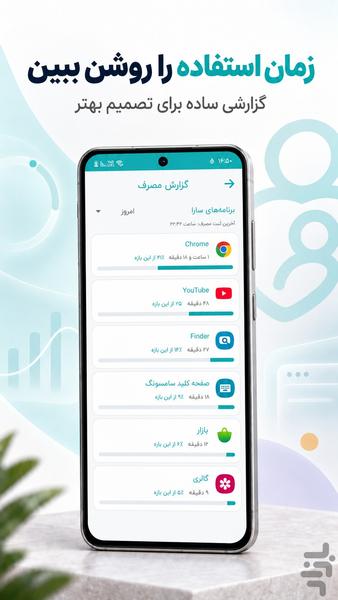
📊 Review app-usage reports
See how much time is spent in different apps and make better screen-time decisions.
🌐 Manage website access
Block selected websites in compatible browsers. Chrome is recommended for more reliable website management.
🔑 Parent PIN and offline recovery
Protect Byasaa’s settings with a parent PIN. A one-time offline recovery code is available if the PIN is forgotten.
Why choose Byasaa?
- Persian interface
- App blocking and screen-time controls
- Core protection continues during internet outages
- Simple on-device setup and management
- Bedtime rules and parent-controlled Extra Time
- Visual permission-setup guides
- A visible notification while protection is active
- Optional technical reporting and update notifications
Byasaa is designed for parents or legal guardians managing a phone used by children under 14. The current product is managed directly on the child’s phone and does not provide remote control from a separate parent device.
Family Plus provides multiple child profiles through a one-time in-app purchase. Core features remain available for managing one child. The current purchase price is shown directly by CafeBazaar.
Internet access is required for technical reports and new-version notifications. These features can be disabled in Settings. Parent PINs, recovery codes, children’s names, installed-app lists, and detailed child-usage information are not included in Byasaa’s technical reports.
✓ Tested on Samsung and Xiaomi/Poco devices
✓ Dedicated setup guidance for MIUI and HyperOS


Related Applications







Users Also Installed