- Applications
- Education
Tracer

| Install | 2.6 K |
| From 6 Rates | 5 |
| Category | Education |
| Size | 28 MB |
| Last Update | 2026 July 20 |

| Install | 2.6 K |
| From 6 Rates | 5 |
| Category | Education |
| Size | 28 MB |
| Last Update | 2026 July 20 |
Images


Introduction
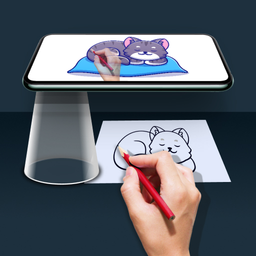
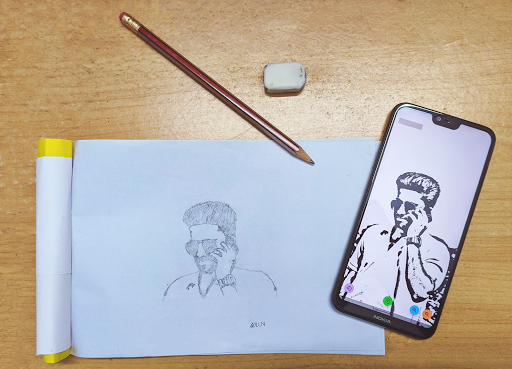
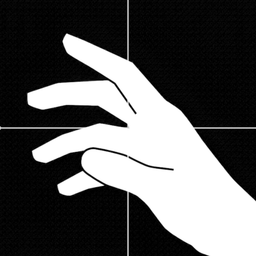
Ever thought about the art of tracing or ever wanted to draw like a pro? Well, this application is for you. You can now trace any images using your phone or tablet on to a paper. Using stencils may yield better results. Well, you got the idea!
🎨 Trace Any Image Into Art
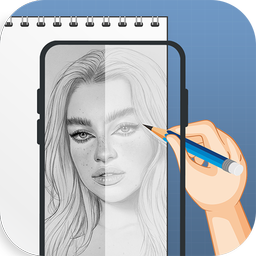
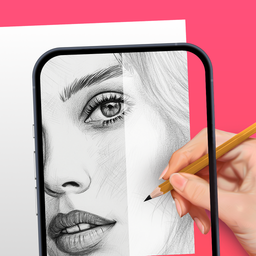
Tracer transforms your phone or tablet into a powerful digital lightbox, making it easy to trace photos, sketches, tattoos, and more. Whether you’re an artist, hobbyist, or tattoo designer, Tracer helps you create clean outlines with precision.
✨ Key Features
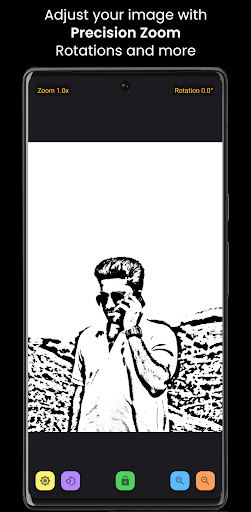
• Stencil Generator – Instantly convert any photo into a clean, traceable stencil.
• Image Lock – Keeps your picture fixed while tracing.
• Adjustable Brightness – Control screen light for perfect tracing visibility
• Precise Zoom & Rotation – Pinch to zoom in decimal steps, rotate by exact degrees.
• Works Offline – No internet? No problem.
• Simple & Lightweight – No clutter, just pure tracing power.
🎯 Perfect For
• Artists & hobbyists learning to draw.
• Tattoo artists creating stencils.
• Kids practising handwriting and art.
📌 How to Use
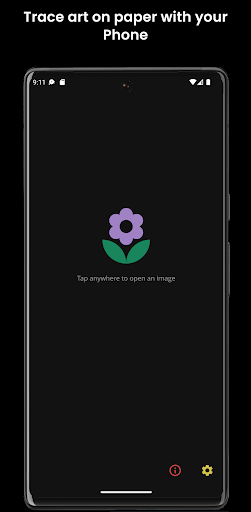
• Choose an image from your gallery.
• Adjust zoom, rotation, and brightness.
• Place paper over your device and trace your masterpiece!
💎 Go Pro (Optional)
• Remove ads for distraction-free tracing
• Support app development
🔥 Why Tracer?
Unlike generic photo viewers, Tracer is built for tracing — precise controls, brightness optimization, and a clean interface that lets you focus on your art.
Download Tracer now and start turning your ideas into art!


Related Applications






Users Also Installed







Similar Applications